Browser radio
Listen to Radio in Your Browser and Share It
Find Tamil, Malayalam and other radio stations on Full Talktime, start browser playback, and share the same station with a friend. No app installation needed.
Find a radio station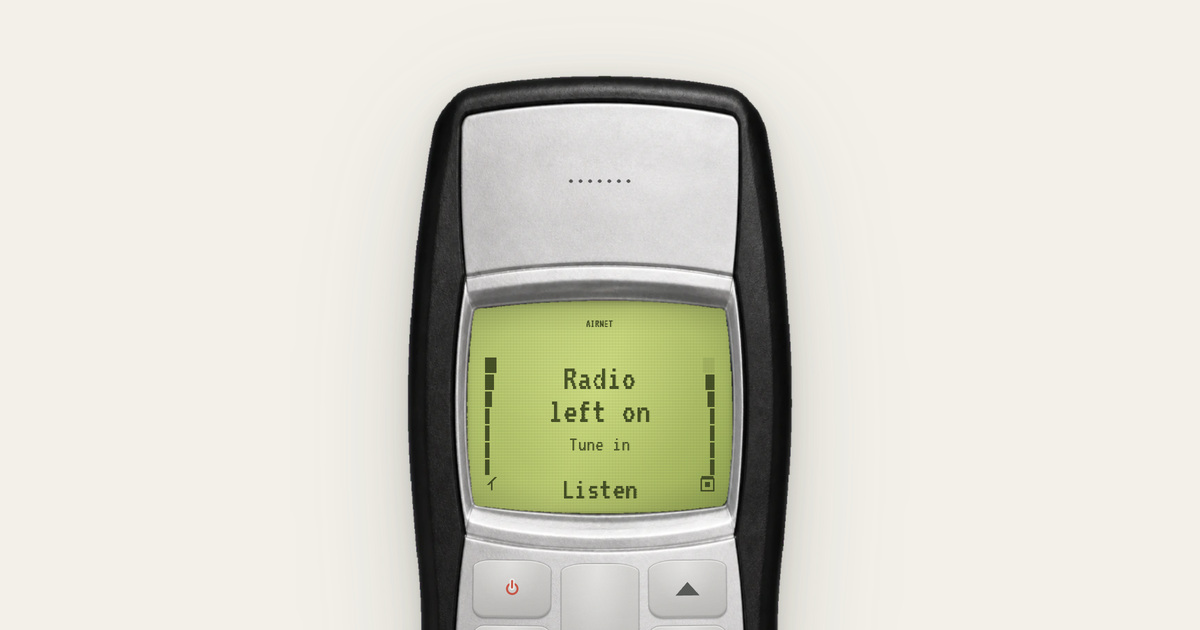
Choose a station by language
Full Talktime puts a browser radio directory inside a fictional keypad phone. Open a language page, choose a station on the handset, and press Select to start listening. You do not need to install a radio app or create an account.
Start with Tamil radio or Malayalam radio, or browse Hindi, Telugu, Kannada and Bangla radio. Each landing page also lists its available stations below the handset, so you can open one directly from an ordinary link.
If you want to browse across languages, the Extras directory also links to genre, country and city folders. Station availability can change: a directory entry is a place to try a stream, not a guarantee that the broadcaster is online at every moment.
Why you need to press play yourself
Browser radio uses your internet connection. The old-phone artwork does not turn your device into an FM receiver, and the frequency shown in the directory is not a setting for your hardware.
Audio starts after your action. Browsers can restrict audible playback before a person interacts with a page; MDN’s autoplay guide explains that behaviour. Full Talktime asks you to select a station rather than starting audio as soon as a page opens.
Your browser connects to the station’s stream directly. Listening uses data, and the stream provider receives that connection. For Full Talktime’s part of this arrangement, see the privacy policy.
Share the station you have on
Use Share on the radio handset, then choose WhatsApp, another available app, or Copy for chat. The link opens that station on the recipient’s old-phone page. They start playback themselves.
This shares a station, not an audio recording. It also does not synchronise two listeners to the same second. A live programme can move on between the time you send the link and the time your friend opens it, and their stream may have a different delay.
A short note such as “this is what I have on while making dinner” gives the link a little context. You can send that note in the chat where you share the station.
If a station is silent
First check your device’s media volume and whether the browser tab is muted. Press Select on the station again after the page has loaded. If another station plays, the original stream may be unavailable rather than the phone interface being broken.
If no station plays, try a stable connection and keep the browser open while testing. Some browsers or devices may pause background playback; this website does not promise uninterrupted listening with the screen locked. You can return to the directory and choose another station without changing or losing a message draft on a different page.